"Leave a comment to enter" is the easiest giveaway to run and the hardest one to finish. Once the entries are in, you're looking at hundreds or thousands of comments, some from the same person five times, some posted after the deadline, and some that ignored the one rule you set. Scrolling and pointing at one isn't random, and your viewers know it.
Our free Random Comment Picker loads every comment on the video, applies your rules and draws one winner at random. This guide walks through a draw from start to finish.
Before you start: write down your rules
A fair draw starts before you press anything. Decide, and ideally say in the video or pinned comment:
- What counts as an entry. Any comment, or only ones that answer a question or include a word like
#giveaway? - When entries close. A date makes it easy to leave out latecomers.
- Whether multiple comments count. Most giveaways allow one entry per person, so commenting twenty times doesn't help.
Each of these maps to a setting in the picker, so you can apply exactly what you promised.
Step 1: Load every entry
Open the Random Comment Picker, paste the giveaway video's link and press Load comments.
Every comment and reply loads automatically. The picker can only draw from comments it has loaded, and YouTube hands them over in pages, so on a big video this gathers every page for you. Wait for the progress bar to reach 100% before drawing, otherwise people near the end of the list miss out.
Step 2: Apply your entry rules
With the comments loaded, set up the draw to match your rules:
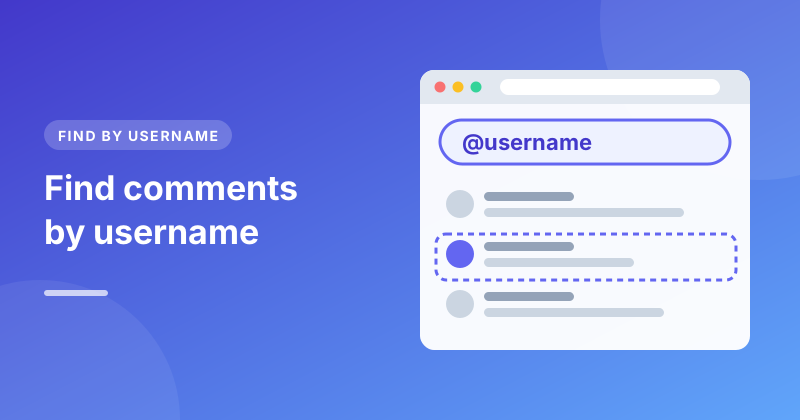
- Required word or hashtag. Type it into the search box. Only comments that contain it stay in the draw.
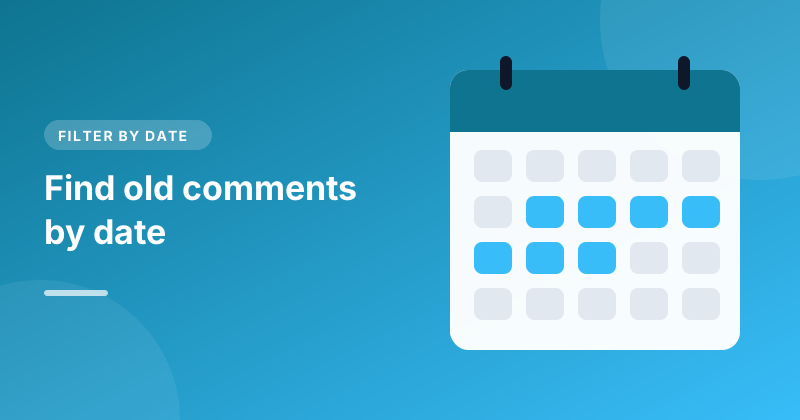
- Entry window. Set From to the day you posted the video and To to the closing day. Anything outside those dates is left out.
- One entry per person. Tick Count each person once. Someone who commented ten times gets the same single chance as someone who commented once.
The number next to the button shows how many entries qualify, which is a useful figure to quote when you announce the winner.
Step 3: Draw the winner
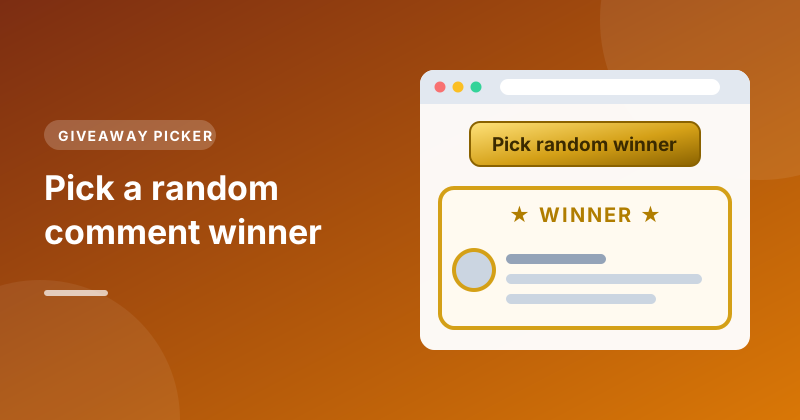
Press Pick random winner. The list disappears and the winning comment appears on its own in a gold card, with the commenter's name, the date and the comment itself.
The draw uses your browser's cryptographic random number generator, the same kind used for security keys, so every eligible entry has exactly the same chance.
Tip: Record your screen while you draw. A short clip of the rules being set and the button being pressed is the simplest proof that the giveaway was fair, and it makes a good community post or Short.
Step 4: Need more winners or a backup?
Press Pick again to draw another entry. It never lands on the person already on screen, so you can draw a second and third place, or a reserve winner in case the first doesn't reply in time. Note each name as you go. Press Clear to go back to the full list.
Step 5: Contact the winner
Click the small arrow next to the winner's date to open their comment on YouTube. Reply there to congratulate them and explain how to claim the prize, and click their name to check their channel looks genuine.
Be careful of impersonators. Scammers often copy a creator's name and picture and reply to entrants saying they've won. Tell your viewers you'll only ever contact winners from your own channel, and never ask for payment to claim a prize.
Common questions
Do replies count as entries? The draw is made from top-level comments, which is how most giveaways ask people to enter. Replies are still loaded, so you can read conversations under each entry.
What if the winner deleted their comment? Deleted comments aren't returned by YouTube, so they're never in the draw. If a winner deletes their comment afterwards, simply pick again.
Does it cost anything? No. The picker is free, needs no sign-in, and only reads public comments that anyone can see on YouTube.
Ready to draw? Open the Random Comment Picker and pick your winner. If you also want to dig through what people said, the Comment Search tool lets you search the same comments by keyword or username.