You've probably seen channel names written in 𝓬𝓾𝓻𝓼𝓲𝓿𝓮 or comments with words in 𝗯𝗼𝗹𝗱, and wondered how they did it. YouTube doesn't have a font menu. Everything you type is shown in YouTube's own font. But there are two tricks that get around that: simple formatting codes that work in comments, and special Unicode characters that look like styled letters and work almost anywhere.
This guide explains both, shows where each works, and covers the one big downside of fancy text that most people don't know about.
Trick 1: Formatting codes in comments
YouTube comments support three simple formatting codes. Wrap a word or phrase in:
*asterisks*for bold_underscores_for italic-hyphens-forstrikethrough
So typing This is *really* important shows "really" in bold once you post. The codes need to touch the words (no space after the opening mark or before the closing one), and they work in comments and replies only. They don't work in video titles, descriptions or your channel name.
Trick 2: Unicode "fonts" that work anywhere
The other trick is to use characters that look like styled letters. The Unicode standard, which defines every character computers can show, includes whole alphabets of bold, italic, script, gothic and other letter shapes, originally for maths and science. 𝐀, 𝐴 and 𝒜 aren't the letter A in different fonts. They're three separate characters that happen to look like a styled A.
Because they're characters rather than formatting, you can paste them anywhere you can type text: comments, video titles, descriptions, your channel name and your About section.
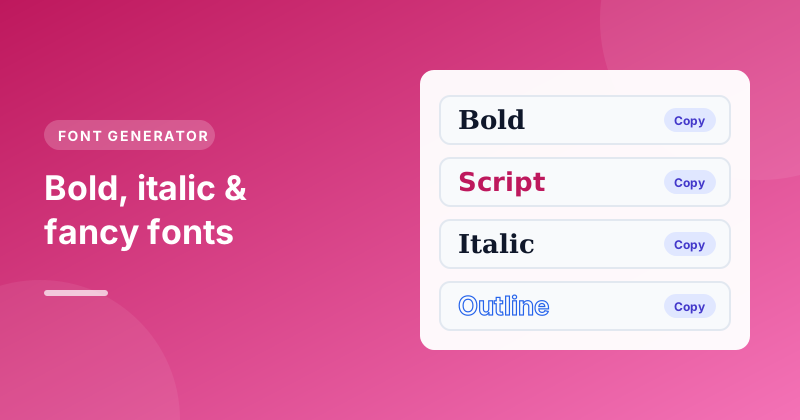
Our free Font Generator converts your text into 20 of these styles at once:
- Type or paste your text, such as your channel name or a line for your bio.
- Every style updates as you type, so you can compare them side by side.
- Press Copy next to the style you like.
- Paste it into YouTube.
Styles include bold, italic, bold italic, script (cursive), gothic, double-struck, monospace, small caps, circled, squared, wide, upside down, strikethrough and underline.
Where fancy fonts work on YouTube
| Place | Formatting codes | Unicode styles |
|---|---|---|
| Comments and replies | Yes | Yes |
| Video titles | No | Yes |
| Video descriptions | No | Yes |
| Channel name | No | Yes |
| Channel description | No | Yes |
| @handle | No | No |
Handles are the exception: they can only use plain letters, numbers, underscores, hyphens and full stops, so no fancy styles. If you're choosing one, our guide on picking a YouTube handle explains the rules.
The catch: fancy text can hurt search
This is the part most font tools don't mention. Because styled letters are different characters, search engines and YouTube's own search may not treat 𝗯𝗮𝗸𝗶𝗻𝗴 as the word "baking". To a computer it's a string of maths symbols.
That matters most in places where people find you through search:
- Video titles. A title written entirely in a fancy font is harder to find. If you want emphasis, style one word and keep your keywords plain.
- Channel name. People searching for your channel by name may not find it if it's all in script.
- Descriptions. Keep the opening lines, which YouTube reads to understand the video, in normal text.
Bios, comments and the odd decorative word are safer places to have fun.
The other catch: accessibility
Screen readers, which blind and partially sighted people use to hear text read aloud, often read styled characters strangely. Some read each letter as "mathematical bold small b", others skip them entirely. A comment or title written all in fancy text can be unreadable for those viewers.
Using styles for a word or two, rather than whole sentences, keeps your text accessible.
Why do some fonts show as boxes?
Not every phone or computer has a font that can draw every Unicode character. When a device can't draw one, it shows an empty box or a question mark instead. Bold, italic and script are the most widely supported. Rarer styles, like some squared or upside-down letters, may not show on older devices. Check how your text looks on a phone before you rely on it.
Ideas for using fonts well
- Highlight one word in a title: "The 𝗘𝗔𝗦𝗜𝗘𝗦𝗧 Sourdough Recipe" keeps "Sourdough Recipe" searchable.
- Make section labels stand out in your description: "𝐂𝐡𝐚𝐩𝐭𝐞𝐫𝐬" or "𝐋𝐢𝐧𝐤𝐬".
- Add personality to your bio: a short tagline in script or small caps.
- Emphasise in comments: use the free
*bold*code, which is plain text underneath and fully searchable and accessible.
Quick summary
- In comments, use
*bold*,_italic_and-strikethrough-. - Everywhere else, copy Unicode styles from the Font Generator.
- Keep keywords and most of your text in normal letters, for search and for screen readers.
- Handles can't use fancy fonts.
If you're working on your channel's About section, our guide on writing a YouTube channel description covers what to say before you decide how to style it.