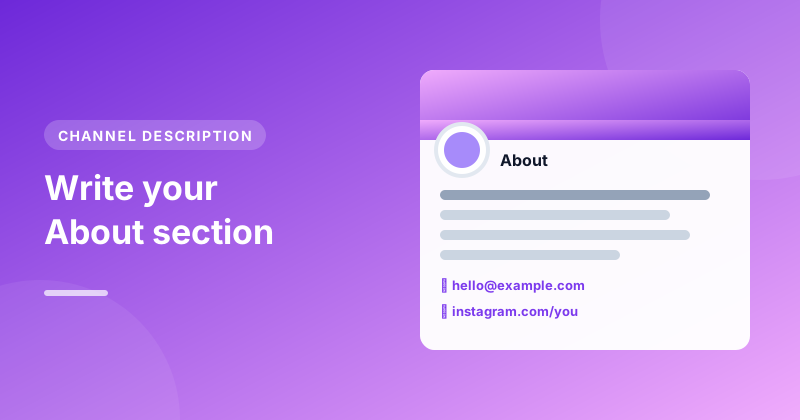
When someone likes one of your videos, the next thing they often do is tap your channel name to see what else you make. Your channel description, the text in your About section, is your chance to tell them in a few seconds why they should subscribe.
It's also read by YouTube and search engines, and its opening line can appear in search results. Yet many channels leave it blank or write a single "Welcome to my channel!". This guide shows what to write instead, and how our free Channel Description Generator can draft it for you.
Your first sentence does most of the work
A channel description can be up to 1,000 characters, but only the first 100 to 150 show in search results and in the preview on your channel page before someone taps "more". So the first sentence needs to answer two questions:
- What is this channel about?
- Who is it for?
For example: "Easy bread and cake recipes for beginner bakers, with no fancy equipment needed." In one line, a visitor knows what they'll get and whether it's for them. Compare that with "Hi, I'm Alex and welcome to my channel!", which tells them nothing they couldn't guess.
What to include after that
Once the opening is set, add the details that help someone decide to subscribe:
- What viewers can expect. The kinds of videos you make: tutorials, reviews, challenges, vlogs.
- How often you upload. "New videos every Friday" sets expectations and gives people a reason to come back. Only promise a schedule you can keep.
- A bit about you. One or two sentences on who you are and why you make these videos. People subscribe to people.
- A reason to subscribe. Spell it out: "Subscribe for a new recipe every week."
- How to contact you. A business email if you'd like to hear from brands.
- Links. Your website, other social accounts or a shop.
Use keywords naturally
Mention the topics people would search for to find a channel like yours, ideally in the first sentence or two. A baking channel might naturally use "bread recipes", "baking for beginners" and "sourdough". Write for people first. A long list of keywords at the bottom reads badly, and YouTube's policies treat excessive keyword lists as spam.
A template you can fill in
[What your channel is about] for [who it's for].

On this channel you'll find [types of videos], from [example] to [example].
New videos every [day or schedule].

I'm [name], and I [one line about you and why you make these videos].

Subscribe if you want [the benefit].

Business enquiries: [email]
[Platform]: [link]
An example
Here's how that template might look for a real channel:
Easy bread and cake recipes for beginner bakers, with no fancy equipment needed.
On this channel you'll find step-by-step recipes, baking experiments and fixes for the most common mistakes, from your first sourdough loaf to a birthday cake that actually rises. New videos every Friday.
I'm Alex, a self-taught home baker who spent years getting it wrong so you don't have to.
Subscribe for a new recipe every week.
Business enquiries: [email protected]
That's around 450 characters: well under the limit, but it says everything a visitor needs to know.
Let the generator draft it
In the Channel Description Generator:
- Type your channel name and what your channel is about.
- Add who it's for, your upload schedule, your name, a business email and links if you like. Every extra detail is optional.
- Pick a tone, Friendly, Professional or Fun, and press Generate channel description.
- Edit the text, then press Copy description.
The character counter shows how close you are to 1,000. Nothing you type is sent to our server; it all runs in your browser.
Where to paste it
Open YouTube Studio, choose Customisation, then Basic info, and paste your text into the Description box. Press Publish to save. In the same section you can add links, which appear on your channel page, and a contact email, which YouTube shows to signed-in visitors who ask for it.
Mistakes to avoid
- Leaving it empty. An empty About section looks like an abandoned channel.
- Starting with a greeting. "Welcome to my channel" wastes the only line most people read.
- Writing an essay about yourself. Visitors care what they'll get. Keep your story to a sentence or two.
- Promising a schedule you don't keep. If you say "every Friday", viewers will notice when you miss one.
- Letting it go stale. Update it when your channel changes direction, your schedule changes or you start a new series.
Make the rest of your channel match
Your description works best alongside a clear channel name, handle and banner. If you're still deciding on those, see our guides on choosing a channel name and picking a handle. And if you're redesigning your banner, the Channel Banner Downloader lets you save a copy of the current one first.