The description is the part of a video most creators rush. It's below the video, most viewers never expand it, and it feels like paperwork after the real work of filming and editing. But it quietly does a lot: it helps YouTube understand what the video is about, it shows up in search results, it holds your chapters, and it's where viewers go for the links you mentioned.
This guide explains what a good description contains, in what order, and how our free Description Generator can lay it all out for you.
The first two lines matter most
YouTube descriptions can be up to 5,000 characters long, but only the first 100 to 150 characters show before the "more" link, in search results and under the video on most screens. Treat those first lines like a second title.
A good opening:
- Says what the video is about in plain words.
- Uses your main keyword naturally, ideally the same phrase that's in your title.
- Gives a reason to keep watching, such as what the viewer will learn or see.
For example: "Learn how to bake sourdough bread at home with just flour, water and salt. I'll show you how to feed your starter, shape the loaf and get a crispy crust in a normal oven."
Avoid opening with links, a list of hashtags or "Don't forget to subscribe!". Those waste the most valuable space you have.
What to put after the opening
Once the first lines are done, the rest of the description is for viewers who want more. A clear order helps them find things.
- A few more details. A short paragraph about what's in the video, any tools or ingredients you used, and who it's for.
- Chapters. Timestamps that split the video into sections (more on these below).
- Links. Products you mentioned, related videos, a playlist, your website or social accounts. Label each one so people know where it goes.
- A call to action. One clear ask, such as subscribing, watching the next video in a series or leaving a comment with a question.
- Hashtags. Two or three relevant ones at the end.
How to add chapters
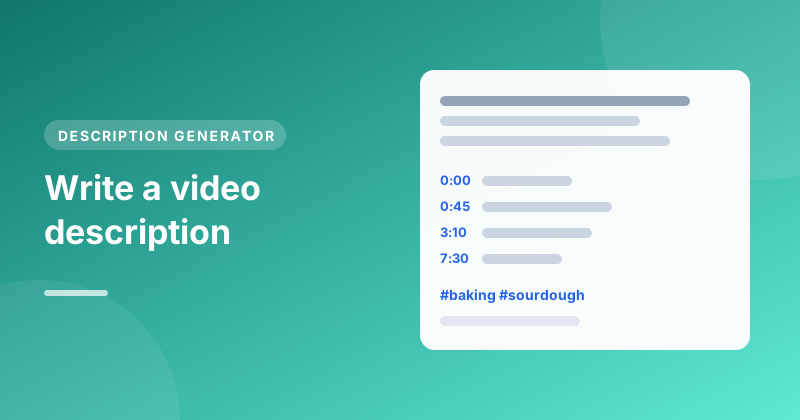
Chapters let viewers jump to the part they want, and they can appear in search results. To add them, list timestamps in the description:
0:00 Intro
0:45 Feeding the starter
3:10 Mixing the dough
7:30 Shaping
10:05 Baking and the crust test
YouTube's rules are simple: the first timestamp must be 0:00, you need at least three, and each chapter must be 10 seconds or longer. Give each chapter a short, descriptive name, since those names can help people find your video too.
In the Description Generator, tick Add chapters and you'll get a chapter list to edit. Change the times to match your video before you copy it.
Links that people actually click
A wall of links is easy to ignore. A few labelled ones work better:
Recipe and printable guide: https://example.com/sourdough
Watch next, my no-knead loaf: https://youtube.com/watch?v=...
Instagram: https://instagram.com/yourname
If any links earn you money, such as affiliate links, say so clearly. It's honest and in many countries it's a legal requirement.
Hashtags: a few, at the end
YouTube shows the first three hashtags from your description above the video's title, where they work as links to other videos on the topic. More isn't better: a handful of specific, relevant hashtags beats a long list, and if a video has more than 60 hashtags YouTube ignores them all. The Description Generator adds up to three based on your keywords, and our Hashtag Generator can suggest more if you want to choose your own.
A copy-ready template
Here's a structure you can reuse for almost any video:
[One or two sentences: what the video is about, using your main keyword.]

[A short paragraph with details: what you cover, who it's for.]

Chapters
0:00 Intro
0:30 [Section]
2:15 [Section]
5:40 [Section]

Links
[Label]: [link]
[Label]: [link]

[One call to action.]

#[hashtag] #[hashtag] #[hashtag]
Let the generator write the first draft
Filling in that template by hand every time gets old. In the Description Generator:
- Type your video's title or topic, and optionally a sentence about what happens in it and a few keywords.
- Add your channel name and any links, one per line, like "Instagram: https://…".
- Pick a tone and choose whether to include chapters, then press Generate description.
- Edit the text in the box, then press Copy description and paste it into YouTube Studio.
Everything runs in your browser, and nothing you type is sent to our server. The character counter shows how close you are to the 5,000-character limit.
Mistakes to avoid
- Leaving it empty. Even two good sentences are better than nothing.
- Copying the same description onto every video. A shared block of links at the bottom is fine, but the opening should be unique to each video.
- Keyword stuffing. Repeating a phrase ten times reads badly and can be treated as spam. Mention your main keyword once or twice, naturally.
- Misleading text. Describing things that aren't in the video breaks YouTube's rules and annoys viewers.
Description checklist
- First two lines say what the video is about, with your main keyword
- Chapters start at 0:00, with at least three sections of 10 seconds or more
- Links are labelled, and paid links are disclosed
- One clear call to action
- Two or three relevant hashtags at the end
If you haven't settled on a title yet, start there: our guide on writing YouTube titles that get clicks shows how to pick the keyword your description should repeat.